How to Live Stream DJ Set iPhone Style
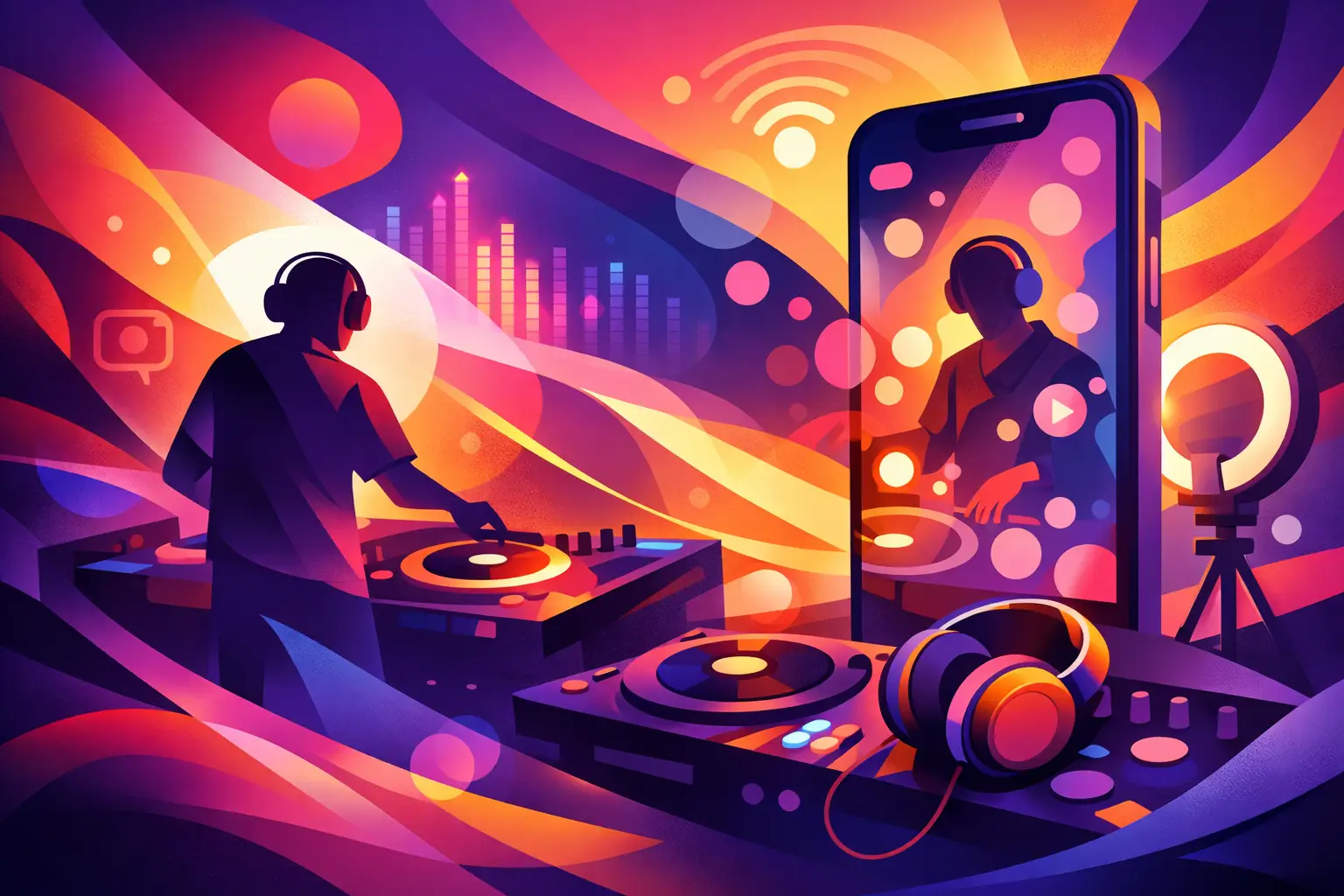
The fastest way to lose a crowd online is bad audio. People will forgive a dim room, a shaky angle, even a last-minute setup. They will not stick around for clipping, room echo, or a phone mic trying to guess what your kick drum is doing. If you want a live stream dj set iPhone setup that actually holds attention, the phone is only part of the equation. The real win comes from getting clean sound into it, keeping the stream stable, and building a format that feels like a proper session instead of a random test broadcast.
For DJs, that matters. Livestreams are no longer a side hustle for exposure. They are discovery tools, audience builders, booking assets, and content engines. A strong iPhone stream can help a local DJ look ready for bigger opportunities, and it can help an established artist stay visible between gigs, releases, and festival dates.
Why an iPhone can work for a DJ livestream
A lot of DJs overcomplicate this. They assume they need a full camera rig, capture cards, and a studio build before they can go live with confidence. In reality, modern iPhones shoot solid video, handle mobile streaming apps well, and give you a fast path from setup to broadcast. If your goal is to get consistent and start building an archive of performances, an iPhone is a very real entry point.
That said, the trade-off is control. A phone setup is lean, portable, and fast, but it can become unstable if you stack too many adapters, rely on weak Wi-Fi, or expect the built-in mic to represent your mix accurately. The phone is powerful. The weak spots are usually audio routing, battery life, and connection discipline.
The gear that makes a live stream DJ set iPhone rig credible
The simplest version is your iPhone on a tripod, pointed at you, going live through a platform app. That will technically work. It just will not sound or look like something people want to share.
The first upgrade should always be audio. Your audience wants the master output from your mixer or controller, not whatever the phone hears in the room. In most cases, that means taking a clean output from your DJ mixer into an audio interface or compatible mobile audio adapter that feeds the iPhone directly. The exact path depends on your gear, but the principle stays the same – direct signal beats room mic every time.
You also need to think about gain staging. A hot club-style output can distort badly on a mobile input. Keep your mixer output strong but controlled, and test before going live. If the meter is constantly pinned, your stream will sound crushed. If it is too low, the energy disappears. Dance music lives and dies on punch and clarity, so your stream needs both.
Visually, a stable tripod and decent lighting do more than another camera angle. Put the phone at eye level or slightly above, frame both you and your gear, and avoid backlighting from windows or bright fixtures behind you. A cheap light placed in front of you can make a small room feel much more intentional.
Power is the other piece people forget. Streaming drains battery quickly, especially if you are pushing high brightness and constant network activity. Keep the phone powered during the set if your adapter chain allows it. If not, start fully charged and keep your set length realistic.
Audio is the whole game
If there is one place to be picky, it is audio. A DJ set is not a talking-head stream. Your product is the mix. The transitions, low end, vocal detail, and overall pressure of the set have to translate.
A direct feed from the mixer usually gives you the cleanest result, but there is a catch. If you send only the master output, your audience may not hear crowd energy, room feel, or your own mic if you are speaking between tracks. That can make the stream feel a little flat. Some DJs prefer a hybrid approach where the main mix stays direct and a bit of ambient room sound is added separately. That setup takes more gear and more testing, so it is not always worth it at first. Start with clean direct audio. Nail that. Add atmosphere later if it serves the format.
Also be aware of platform compression. Even if your source sounds excellent in the room, the app may reduce quality once it hits the stream. That is normal. What helps is sending a balanced, undistorted signal with enough headroom. Let the platform compress a healthy signal, not a broken one.
Picking the right streaming platform
Your best platform depends on your goal. If you want quick engagement and casual reach, social platforms make sense. If you want longer-form programming and a more library-friendly archive, video-first platforms can be stronger. If you want direct fan community, a platform with recurring audience habits may matter more than raw scale.
There is also the issue every DJ already knows – music rights. Some platforms are more aggressive than others when detecting copyrighted tracks. That means your set could get muted, blocked, or cut short depending on what you play. There is no universal safe lane here. Promo edits, original music, label-approved content, or custom mixes can reduce risk, but if you are playing commercial tracks, content moderation is always part of the equation.
That does not mean do not stream. It means test the platform, understand the risk, and choose the one that fits the set you are trying to deliver. For some DJs, a shorter branded stream works better than a two-hour open-format session that gets interrupted halfway through.
Performance matters as much as tech
An iPhone livestream is still a show. The camera changes how a DJ set lands. On a dance floor, energy moves through the room. Online, energy has to travel through framing, pacing, track selection, and presence.
That means reading the digital room differently. Long intros can feel longer on a stream. Dead air between transitions feels bigger. Looking disconnected or buried in your gear can make viewers bounce. You do not need to fake hype, but you do need to project intent. Acknowledge the audience. Build a set with momentum. If you speak on mic, keep it brief and natural.
This is where format can separate you from the pack. A rooftop set, a studio session, a sunset mix, a label spotlight, an all-vinyl set, a genre-specific hour – these are not gimmicks. They give the stream a point of view. In a crowded feed, concept helps. It tells people why this session deserves their time.
Common mistakes that kill the stream
The biggest mistake is trusting the built-in mic. The second is weak internet. If your connection drops, the best set in the world does not matter. Whenever possible, use the strongest Wi-Fi available and test upload stability before you go live. If the space is unreliable, shorten the set or rethink the location.
Another common issue is pushing too many moving parts at once. DJs try to run lights, monitor chat, charge the phone, route audio, and record backup video with no rehearsal. That is how streams fail. Keep your first setup tight. One camera. One clean audio path. One platform. Once that works consistently, expand.
And do a private test. Not a ten-second test. Run a real 10 to 15 minute rehearsal with the same levels, same lighting, same orientation, and same network. Watch it back. If the bass is muddy, the framing is awkward, or the signal drifts, fix it before your audience sees it.
A simple workflow that actually works
The most reliable path is straightforward. Set your iPhone on a stable tripod. Route direct audio from your mixer into the phone through a compatible interface or adapter. Light yourself from the front. Lock your framing. Close unnecessary apps. Turn on do not disturb. Test the stream privately. Then go live with a set length you can execute confidently.
For many DJs, 30 to 60 minutes is the sweet spot. Long enough to tell a story, short enough to stay focused, and easier to repurpose later into clips, reels, archives, and promo assets. That matters because one livestream should not just be one livestream. It should feed your next week of content and keep your name circulating across the scene.
That is why media-savvy platforms and brands in dance music have treated live sessions as more than one-off broadcasts for years. A good set becomes proof of taste, proof of consistency, and proof that an artist knows how to show up on camera as well as in the booth.
Is an iPhone setup enough for serious DJs?
Yes – if you respect its limits. An iPhone is enough to create a polished, watchable, highly shareable stream when the audio is direct, the frame is intentional, and the performance is built for a digital audience. No – if you expect the phone alone to do all the heavy lifting.
That is the real split. The phone is the camera and the delivery device. You are still responsible for the session, the sound, and the story. Get those right, and a compact setup can punch far above its price tag.
The scene rewards consistency more than perfection. Start with a clean stream, make it repeatable, and let every set sharpen your identity a little more.
Latest Shows
Latest news
Gallery
-






Comments
This post currently has no comments.