How to Live Stream DJ Set on TikTok
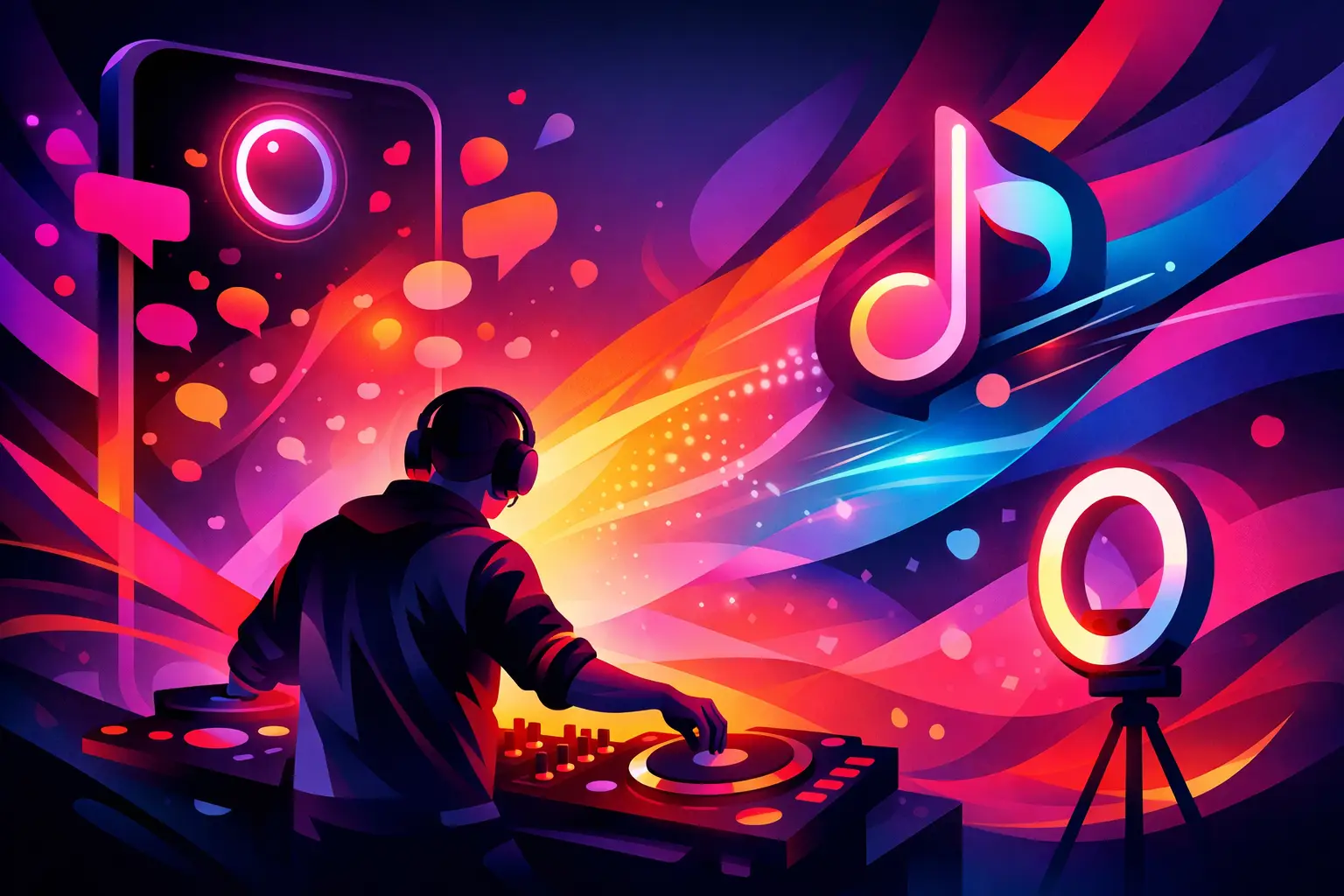
A TikTok live can turn a bedroom mix into a real crowd moment fast. If you’re figuring out how to live stream DJ set on TikTok, the biggest truth is this – good audio matters more than fancy visuals, and platform rules matter more than either if you want your set to stay up.
TikTok is built for discovery, which makes it powerful for DJs who want more than passive views. A strong live set can pull in new fans, push people toward your next show, and build the kind of repeat audience that actually shows up when you post again. But TikTok Live is not the same as streaming to a DJ-first platform. The format is tighter, the audience scrolls quickly, and copyright enforcement can shape what you can and cannot do.
How to live stream DJ set on TikTok without sounding amateur
The mistake a lot of DJs make is treating TikTok Live like a phone-on-a-tripod situation. That can work for a casual warm-up session, but if you want people to stay, comment, and come back, your stream needs clean sound, stable video, and a setup you trust before you hit Go Live.
Start with the basics. You need a TikTok account that has access to live streaming. Since platform requirements can change, confirm your account is eligible before planning the whole broadcast around it. If you do not have live access yet, build up your profile first with short clips, edits from past sets, and regular posting that tells viewers what kind of DJ you are.
For audio, the best move is taking a direct signal from your mixer or controller and feeding it into an audio interface, not relying on your phone mic to capture the room. Your master output should hit the interface at a healthy level without clipping. From there, you can route that audio into the device running TikTok Live. If your stream sounds distorted, thin, or way too quiet, people will leave in seconds.
Video matters too, but it does not need to be overproduced. One clean angle with decent lighting often beats a chaotic multi-camera setup that drops frames. Show your hands, part of the decks, and enough of your face and body language to make the performance feel live. TikTok is social first. People want to see a person behind the mix, not just blinking gear.
The gear setup that makes TikTok Live work
There are two common ways to stream a DJ set on TikTok. The simple route is using a phone as your main camera and streaming device. The stronger route is using a computer-based setup with external audio and video sources if TikTok’s current live tools and your account access support it.
For a basic mobile setup, you need your DJ controller or mixer, your music source, a phone tripod, decent front lighting, and an interface or adapter that gets line-level audio into your phone cleanly. This setup is fast, affordable, and good for testing concepts. It is also less forgiving if something goes wrong mid-stream.
For a more polished stream, use a computer with your DJ gear connected through an interface and a camera feeding the visual side. This gives you more control over levels, framing, and troubleshooting. It also makes it easier to monitor the stream while performing. If you are already producing content regularly, this is usually the better long-term play.
Lighting deserves more respect than it gets. You do not need a club buildout, but you do need separation from the background and enough brightness for the camera to lock focus. A ring light can work, but a couple of soft lights placed at angles usually looks better and less flat. If your room is dark, the stream can look muddy even if the set is great.
Internet is the piece nobody celebrates until it fails. Hardwired internet is ideal if you are streaming through a computer. If you are on a phone, test your Wi-Fi where you plan to perform, and avoid crowded networks. A shaky connection wrecks momentum faster than a rough transition.
Audio is where most TikTok DJ streams win or lose
If you want your set to feel legit, build your stream around gain staging. Keep your mixer output clean, avoid slamming the red, and check the signal at every stage between your deck and TikTok. What sounds loud in your headphones can still hit the stream weak if your routing is wrong.
Do a private test recording before you go live. Listen back on your phone speaker, headphones, and if possible a laptop. TikTok viewers will hear your set on all kinds of devices, and what sounds balanced in the studio can turn harsh or bass-heavy on mobile.
It also helps to think about room sound. A pure board feed is clean, but it can feel sterile. In some setups, a touch of ambient mic can make the live feel more real, especially if people are talking, cheering, or reacting in the room. The trade-off is control. Too much ambient sound turns the mix into a mess.
Copyright is the part you cannot ignore
This is the biggest reality check in any conversation about how to live stream DJ set on TikTok. You may have the perfect camera angle, a locked-in crowd, and a killer sequence ready to go, but licensed music can still trigger restrictions, muted sections, or an interrupted stream.
TikTok is aggressive about music rights because it has to be. That means DJ sets built from commercial tracks carry risk, even when the stream is promotional and even when you are clearly performing live. There is no universal workaround, and anyone promising one is selling fantasy.
What can you do? First, understand that risk varies. Original productions, edits you control, bootlegs you have rights to use, promo tracks from labels that have cleared permission, or music from collaborators can give you more room. Second, keep backup plans ready. If a stream gets flagged, know how you will pivot. That might mean switching to your own tracks, changing platforms for longer sets, or using TikTok as a short-form live touchpoint rather than the home for a full two-hour performance.
If you are an artist with releases, TikTok Live can work especially well as a showcase for your own catalog. If you are a curator-style DJ playing mostly commercial music, it still may be useful, but you need realistic expectations. Sometimes the smartest move is using TikTok to build hype, then sending the deeper audience to channels built for longer-form performance content.
How to keep a TikTok live set engaging
A technically clean stream is only half the job. TikTok is an attention battlefield. If your first five minutes feel flat, people bounce.
Open with intent. Do not spend the first track fiddling with cables or mumbling. Start when the energy is already there. Think of it like stepping into a room where nobody owes you their attention. Give them a reason to stop scrolling.
Talk to chat without turning the set into a podcast. A quick shoutout, a track ID tease, or a mention of where you’re streaming from can boost engagement. The trick is staying present without breaking the flow. Some DJs overtalk because silence feels awkward on camera. In dance music, confidence often looks like letting the blend speak.
Visual pacing matters too. Use movement. Step out from behind the controller now and then, react to the drop, show some personality. Viewers are not just judging your track selection. They are deciding whether your energy feels worth joining.
One smart content move is designing the set for TikTok instead of forcing a club set into a phone screen. That can mean tighter transitions, more recognizable moments early, and a runtime that fits the platform’s pace. A 30 to 45 minute focused session often performs better than a long marathon unless you already have a dedicated following.
Practical issues before you hit Go Live
Promote the stream ahead of time on your TikTok feed with short teasers. Let people know the vibe, the time, and whether it is house, techno, open format, melodic, or something more niche. If you have guests or a special setting, say it clearly.
Frame the shot before you start and clean the background. It sounds basic, but clutter reads as low effort on camera. If your space has character, use it. If not, keep it simple and intentional.
Charge everything, then plug it in anyway. Phones overheat, laptops get weird, and audio interfaces love failing when they sense confidence. Run a short checklist before every stream, especially if you plan to go live regularly.
If you are building a real media presence, archive what you can. Clips from TikTok lives can become promos, reels, artist pages, and proof that you are active. That matters for bookings and visibility. It is one reason platforms that document performance consistently, like The DJ Sessions, have stayed relevant in a crowded music media space – the archive becomes part of the artist story.
The best TikTok DJ streams feel immediate, but they are never random. They are tested, intentional, and built with respect for both the culture and the platform. Treat your live like a real show, even if it starts in your studio with one camera and ten viewers. Those ten can become your first real community if you give them a set worth remembering.
Latest Shows
Latest news
Gallery
-




Comments
This post currently has no comments.